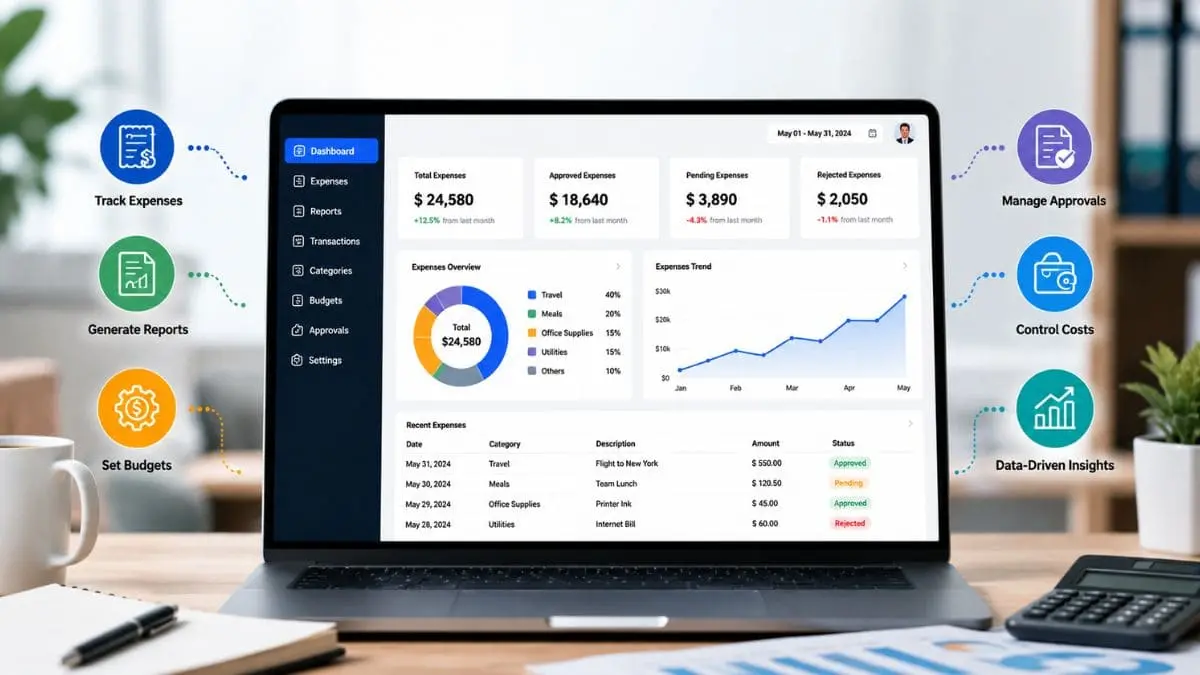
If you want to reach the widest possible audience with your products, you must incorporate customer feedback. Customer feedback is essential for better understanding customer satisfaction and fostering brand loyalty. Modern online tools make this process even easier.
Features such as analytics, sentiment tracking, and automated surveys yield valuable insights. Selecting the right tool for gathering customer feedback depends on ease of use, access to essential data, and the depth of customization options.
Why Gather Customer Feedback?
Regardless of the type of business, obtaining diverse and precise feedback from customers is absolutely essential. Successful companies understand their customers and implement improvements based on real-world feedback. If customers are dissatisfied with a product, it is crucial to identify the root causes of their frustration, as this helps in avoiding similar mistakes in the future.
Customer feedback provides an opportunity to understand their likes and dislikes. It is only by soliciting feedback from customers that their preferences both like and dislikes are revealed. When given the opportunity to express their likes and dislikes, they demonstrate their interest in the brand.
Top Customer Feedback Tools
Here are some popular feedback-collection tools that allow you to understand customer feedback.
Typeform
Typeform is one of the most popular feedback collection tools. Even the best feedback can be ruined if customers neglect to fill it out. Typeform is a tool that engages users with attractive templates. It also includes suggestions for asking questions. It is a cloud-based tool.
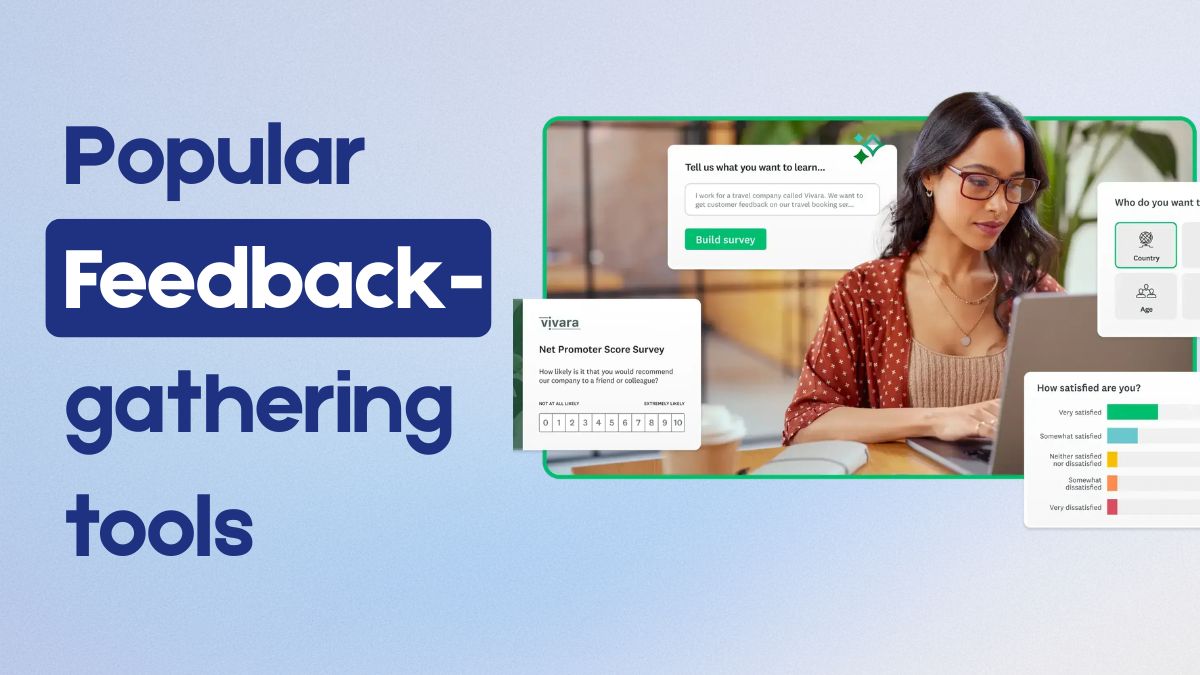
Key Feature Of Typeform
- Drag and drop template design.
- Unrestricted forms and surveys.
- Hidden fields
- 128-bit SSL encryption.
- Allows data export
- Offers free API
- Integration with other applications.
- Can be used on mobile or desktop.
Userbrain
Userbrain is another popular feedback-collection tool designed to gather customer feedback. When someone uses your website or digital product, this tool records their activities while identifying areas for improvement. It is a popular UX tool utilized by renowned brands. These brands include Spotify, Red Bull, and Virgin. It is available on almost all platforms.
Key Feature Of Userbrain
- User Feedback Collection
- Task-Based Testing
- Video Recordings
- Simple Interface
- Quick Setup
- Automated Weekly Tests
Hotjar
Hotjar is a feedback-collection tool that utilizes heatmap-style visuals to gather customer feedback. Designed for marketing professionals, UX designers, and product designers, this tool allows you to observe where your visitors scroll, how much time they spend on the site, and the paths they follow while navigating the app. Hotjar also employs cool-toned visuals to highlight areas where customers are spending a significant amount of time filling out forms. Much like other tools of its kind, it also offers a polling feature to facilitate the collection of qualitative feedback.
Key Feature of Hotjar
- Session Recordings.
- Funnels
- Surveys and Feedback Widgets
- User Interviews and Testing
- Sense AI
- Integrations
- Experience Analytics
Sprinklr
Sprinklr is a tool designed for gathering customer feedback. It facilitates the process of cultivating online customer relationships. This feature offers mutual benefits to both the customers and the business. Users receive accurate and relevant answers to their queries, thereby providing them with the opportunity to offer feedback. Community members are rewarded for their participation by encouraging engagement through user-generated content.
Key feature Of Sprinklr
- Social Media Management
- Analytics and Reporting
- Advertising Management
- Customer Care and Engagement
- Governance, Risk, and Compliance
- Collaboration and Workflow
User Report
The User Report Tool is an intuitive tool for gathering customer feedback, designed to function as an integral part of a website. The surveys conducted by this tool provide easily digestible data, revealing the extent to which customers appreciate your product. Based on the insights derived from the submitted feedback, the tool enables you to fix bugs, improve problematic areas, and take appropriate action. This tool segments user feedback based on demographics.
Key Feature Of User Report
- Customizable survey templates.
- Easy CRM integrations.
- Advanced reporting and analytics.
- Logic-based survey branching.
efo
Feefo is an excellent customer feedback tool that facilitates the sharing of verified customer reviews with your customers. Only those customers who have actually used your product are able to submit reviews. Thanks to this feature, Feefo serves as a highly effective method for avoiding fraudulent feedback. This feedback tool also solicits input regarding customers’ experiences with the website or the company itself. This, in turn, enables you to make more effective improvements to your services.
Canny
Canny is a popular feedback tool that offers a simple way to collect, organize, and act upon customer feedback. Some users, however, believe that it is not well-suited for effectively gathering customer feedback. It works best for small companies with simple products. Canny streamlines the process of acting on customer feedback, thereby leading to rapid improvements in services and offerings.
Key Feature of Canny
- Capture
- Analyze
- ACt
- Respond
Feedbackify
Feedbackify is one of the most popular feedback collection tools available. It offers great flexibility. This tool features an editing function known as “drag-and-drop,” which allows users to customize and create their own feedback forms. This tool is particularly valuable for your customers, as it makes it easy for them to provide their feedback.
Feedbackify captures customer feedback in the form of ratings, comments, and suggestions. Businesses can filter feedback based on specific topics and view it in real-time.
Key Feature Of Feedbackify
- Includes a form editor for easy customization
- Enables the creation of forms
- Utilizes a drag-and-drop interface
- design and branding customizations.